
Table of Contents
Email automation workflows that increase revenue
In the rapidly evolving digital marketplace, businesses face the challenge of maintaining effective communication while trying to enhance customer engagement. Email automation workflows emerge as powerful tools that not only streamline communication efforts but also significantly contribute to revenue growth. By understanding and implementing these workflows, businesses can ensure that they send the right message to the right person at the right time, all while focusing on strategic activities that drive their bottom line. This article delves into the essentials of email automation workflowsand explores how they can be leveraged to boost your business’s revenue.
Email automation workflows are structured sets of automated actions, triggered by specific user behaviors or interactions with your business. These workflows allow businesses to execute communication strategies with precision and without the need for manual intervention. By automating repetitive tasks, businesses can enhance efficiency and productivity, freeing up resources to focus on strategic initiatives that foster growth.
The Basics of Workflow Automation Tools
Workflow automation tools are sophisticated software applications that facilitate the design, execution, and management of automated workflows. These tools often feature intuitive, user-friendly interfaces, allowing marketers to create and manage complex workflows without requiring any coding expertise. The versatility of these tools is evident in their range of features, which include segmentation, personalization, and analytics. These functionalities enable businesses to craft communication strategies tailored to the unique needs of individual customers, thereby enhancing the relevance and impact of their messaging.
Moreover, these tools support seamless integration with existing systems, ensuring that businesses can leverage their current data assets effectively. By utilizing these tools, companies can foster a more personalized experience for their customers, ultimately driving engagement and loyalty. The ability to analyze and report on campaign performance is another critical feature, allowing businesses to continuously optimize their strategies for maximum impact.
Key Features of Automation Tools
One of the cornerstone features of workflow automation tools is their ability to segment audiences effectively. By analyzing customer data, businesses can create distinct segments based on factors such as purchase history, browsing behavior, and demographic information. This segmentation allows for more targeted and relevant communication, which can lead to higher engagement rates.
Personalization is another critical feature that these tools offer. By tailoring messages to align with the individual preferences and behaviors of each customer, businesses can create more meaningful interactions. Personalization goes beyond simply addressing the customer by name; it involves crafting content that resonates with their specific needs and interests.
Analytics and reporting capabilities are vital for assessing the effectiveness of email automation workflows. These features provide insights into key performance metrics such as open rates, click-through rates, and conversion rates. By analyzing these metrics, businesses can identify areas for improvement and make data-driven decisions to enhance their campaigns.
Integration with Existing Systems
Seamless integration with existing systems is a crucial aspect of workflow automation tools. By connecting with CRM systems, e-commerce platforms, and other data sources, these tools can access valuable customer data that informs the creation of personalized and relevant communication strategies. This integration ensures that businesses can maintain a cohesive and consistent brand experience across all channels.
Furthermore, integration capabilities enable businesses to automate complex processes that span multiple systems. For example, an e-commerce platform can automatically trigger a series of emails based on a customer’s purchase behavior, ensuring timely and relevant communication. This level of automation not only saves time but also enhances the customer experience by delivering the right message at the right time.
Key Email Automation Workflows
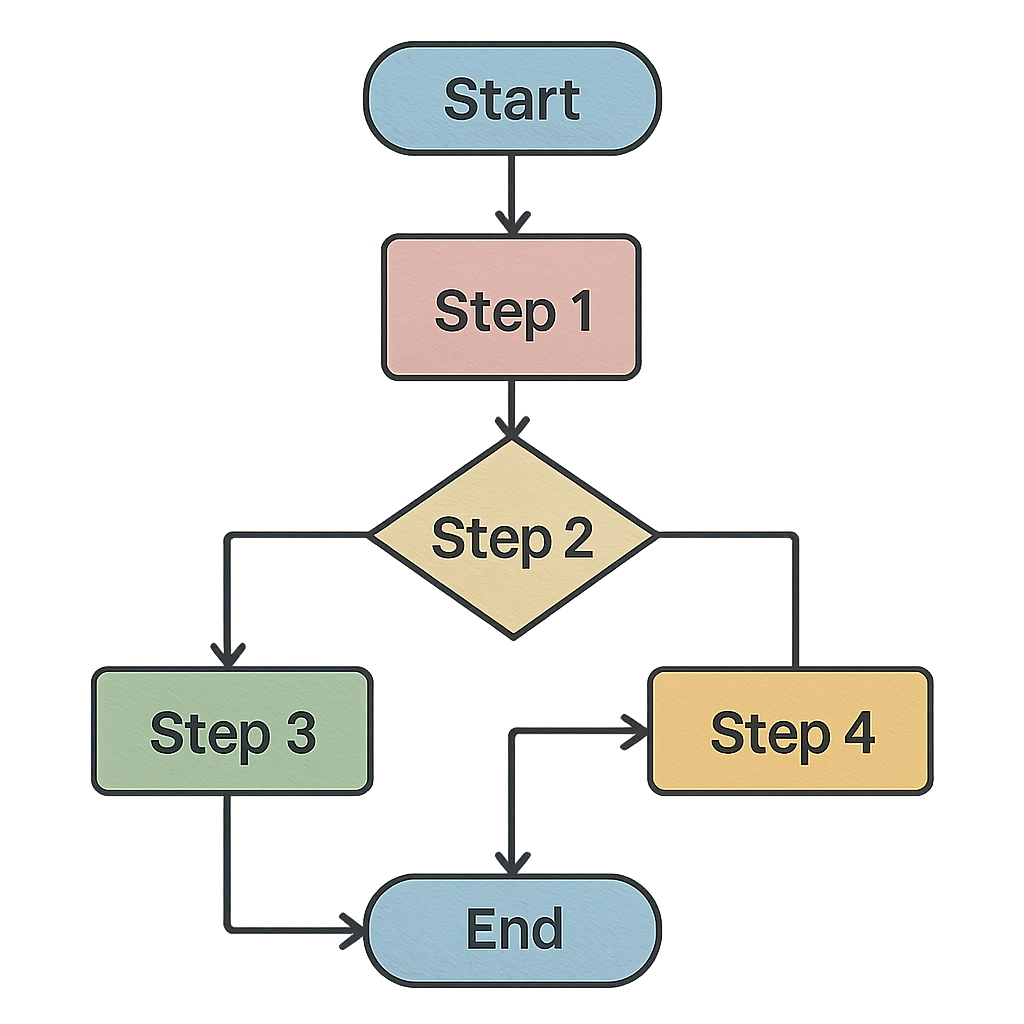
To harness the full potential of email automation, it’s essential to understand the various workflows that can drive revenue. These workflows are designed to engage customers at different stages of their journey, from the initial interaction to post-purchase follow-ups. By implementing these key workflows, businesses can enhance customer engagement, recover lost sales, and encourage repeat business.
Welcome Series
A welcome series is a sequence of emails sent to new subscribers or customers, designed to make a positive first impression and set the tone for future interactions. This workflow is crucial for establishing a strong foundation for the customer relationship, as it introduces the brand, highlights key products or services, and encourages further exploration.
The welcome series typically begins with a warm and inviting introduction, thanking the new subscriber for joining and providing an overview of what they can expect from future communications. Subsequent emails in the series may include special offers or discounts to incentivize the subscriber to make their first purchase. Additionally, businesses can use this opportunity to gather valuable insights about the subscriber’s preferences and interests, enabling more personalized communication in the future.
By crafting a well-thought-out welcome series, businesses can increase engagement, foster brand loyalty, and encourage new subscribers to explore their products or services further. This initial interaction sets the stage for a long-term relationship, making it a critical component of any email automation strategy.
Abandoned Cart Reminders
Abandoned cart reminders are one of the most effective ways to recover lost sales and increase conversion rates. This workflow targets customers who have added items to their shopping carts but have not completed the purchase. By sending timely reminders, businesses can gently nudge these customers to return to their carts and finalize their transactions.
The abandoned cart reminder series typically starts with a friendly reminder email, highlighting the items left in the cart and encouraging the customer to complete the purchase. To enhance the effectiveness of this workflow, businesses can include personalized recommendations or incentives, such as a limited-time discount, to entice the customer to take action.
Furthermore, businesses can implement a sense of urgency by emphasizing the limited availability of the items in the cart. By creating a sense of urgency, customers may be more inclined to complete their purchase promptly. This workflow not only helps recover lost sales but also enhances the overall customer experience by showing that the business values their interest and is eager to assist in completing their purchase.
Post-Purchase Follow-Ups
Post-purchase follow-ups are crucial for maintaining customer relationships and encouraging repeat business. This workflow involves sending a series of emails that thank customers for their purchase, provide order details, and suggest related products. It also serves as an opportunity to gather feedback and build customer loyalty.
The post-purchase follow-up series typically begins with a thank-you email, expressing gratitude for the customer’s purchase and providing order confirmation details. This email can also include information about the estimated delivery time and any relevant tracking information. Subsequent emails in the series may feature product care tips, usage instructions, or complementary product recommendations.
Additionally, businesses can use post-purchase follow-ups to gather customer feedback through surveys or reviews. By actively seeking customer input, businesses can demonstrate their commitment to continuous improvement and customer satisfaction. This workflow not only enhances the customer experience but also encourages repeat business by keeping the brand top-of-mind.
Re-Engagement Campaigns
Re-engagement campaigns target inactive subscribers and aim to rekindle their interest in your brand. This workflow involves sending personalized emails with special offers or content that appeals to the subscriber’s preferences. By re-engaging inactive users, businesses can reduce churn and increase customer lifetime value.
The re-engagement campaign typically starts with a friendly email acknowledging the subscriber’s inactivity and expressing a desire to reconnect. To capture the subscriber’s attention, businesses can offer exclusive promotions, personalized product recommendations, or engaging content tailored to their interests.
Moreover, businesses can leverage customer data to create dynamic content that resonates with the subscriber’s preferences. By analyzing past interactions and purchase history, businesses can craft messages that are both relevant and enticing. This personalized approach increases the likelihood of re-engaging inactive subscribers and reigniting their interest in the brand.
Evaluating the Martech Company Braze on Email Automation Workflows

When it comes to selecting a workflow automation tool, evaluating the available options is crucial to finding the right fit for your business. Braze is a leading martech company known for its robust email automation capabilities. By examining what Braze offers in terms of email automation workflows, businesses can determine how it aligns with their specific needs and goals.
Seamless Integration and Personalization
Braze excels in integrating seamlessly with existing systems, ensuring that businesses can leverage their current data for more personalized communication. The platform’s integration capabilities allow businesses to connect with CRM systems, e-commerce platforms, and other data sources, enabling the creation of highly relevant and targeted communication strategies.
Personalization is a core strength of Braze, as the platform allows for sophisticated segmentation and targeting. By analyzing customer data, businesses can deliver tailored messages that resonate with their audience’s preferences and behaviors. This level of personalization enhances the customer experience and fosters stronger brand loyalty.
Furthermore, Braze’s platform supports dynamic content, allowing businesses to create customized messages that adapt to each recipient’s unique characteristics. By leveraging dynamic content, businesses can deliver highly relevant and engaging messages that drive customer engagement and conversion.
Advanced Analytics and Reporting
One of Braze’s standout features is its advanced analytics and reporting capabilities. These tools provide valuable insights into campaign performance, helping businesses refine their strategies and maximize ROI. With detailed reports on key performance metrics such as open rates, click-through rates, and conversion rates, businesses can continuously improve their email automation efforts.
Braze’s analytics tools enable businesses to track the effectiveness of their campaigns in real-time, providing immediate feedback on what is working and what needs improvement. This data-driven approach allows businesses to make informed decisions and optimize their strategies for better results.
Moreover, Braze’s reporting capabilities extend beyond individual campaigns, offering insights into overall customer engagement and behavior trends. By understanding these trends, businesses can identify opportunities for growth and tailor their communication strategies accordingly.
User-Friendly Interface
Braze offers a user-friendly interface that makes it easy for marketers to design and manage complex workflows. The platform’s intuitive design and drag-and-drop functionality allow users to build workflows without any technical expertise, making it accessible to businesses of all sizes.
The user-friendly interface streamlines the process of creating and managing email automation workflows, enabling marketers to focus on strategy and creativity rather than technical details. This ease of use empowers businesses to implement sophisticated workflows quickly and efficiently.
Additionally, Braze provides robust support and resources to assist users in maximizing the platform’s capabilities. With access to tutorials, best practices, and a dedicated support team, businesses can confidently navigate the platform and achieve their email automation goals.
Best Practices for Implementing Email Automation Workflows
Implementing email automation workflows can be a game-changer for your business, but it’s essential to follow best practices to achieve optimal results. By adhering to these guidelines, businesses can ensure that their workflows are effective, efficient, and aligned with their overall objectives.
Define Clear Goals
Before setting up your workflows, define clear goals for each campaign. Whether it’s increasing sales, boosting engagement, or enhancing customer retention, having a clear objective will guide your workflow design and execution. By understanding what you aim to achieve, you can create workflows that are purpose-driven and focused on delivering results.
Defining clear goals also involves establishing key performance indicators (KPIs) to measure the success of your campaigns. By setting specific, measurable, achievable, relevant, and time-bound (SMART) goals, businesses can track their progress and make data-driven decisions to optimize their strategies.
Moreover, clear goals provide a framework for evaluating the effectiveness of your email automation efforts. By regularly assessing your progress against these goals, you can identify areas for improvement and refine your workflows accordingly.
Segment Your Audience
Segmentation is key to delivering personalized content that resonates with your audience. Use data such as purchase history, browsing behavior, and demographic information to create targeted segments and tailor your messages accordingly. By understanding the unique needs and preferences of each segment, businesses can craft communication strategies that are more relevant and impactful.
Effective segmentation involves analyzing customer data to identify distinct groups with similar characteristics or behaviors. By creating targeted segments, businesses can deliver messages that speak directly to the interests and needs of each group, increasing the likelihood of engagement and conversion.
Additionally, segmentation allows businesses to experiment with different messaging strategies for each segment. By testing various approaches and analyzing the results, businesses can identify what works best for each group and refine their strategies for maximum effectiveness.
Test and Optimize
Continuous testing and optimization are crucial for maximizing the effectiveness of your email automation workflows. Experiment with different subject lines, content, and timing to identify what works best for your audience and refine your strategies accordingly. By adopting a test-and-learn approach, businesses can uncover insights that lead to more effective and efficient workflows.
Testing involves conducting experiments to determine the impact of different variables on campaign performance. By testing various elements, such as subject lines, email content, and send times, businesses can identify what resonates with their audience and drives the desired outcomes.
Optimization involves analyzing the results of these tests and making data-driven adjustments to improve campaign performance. By continuously optimizing their workflows, businesses can enhance their effectiveness and achieve better results over time.
Monitor Performance
Regularly monitor the performance of your workflows using analytics and reporting tools. Keep an eye on key metrics such as open rates, click-through rates, and conversion rates to assess the success of your campaigns and make data-driven decisions. By understanding what is working and what needs improvement, businesses can continuously refine their strategies for better results.
Monitoring performance involves tracking the effectiveness of your campaigns in real-time, providing immediate feedback on their impact. By analyzing key performance metrics, businesses can identify trends and patterns that inform their decision-making.
Furthermore, performance monitoring allows businesses to identify potential issues or areas for improvement. By addressing these challenges promptly, businesses can optimize their workflows and enhance their overall effectiveness.
Continuous Improvement
Continuous improvement is essential for maintaining the effectiveness and efficiency of your email automation workflows. By adopting a mindset of continuous learning and adaptation, businesses can stay ahead of the curve and achieve their goals.
Continuous improvement involves regularly reviewing and refining your workflows to ensure they remain aligned with your goals and objectives. By staying attuned to changes in customer behavior and preferences, businesses can adapt their strategies to meet evolving needs.
Moreover, continuous improvement involves leveraging feedback and insights from both internal and external sources. By actively seeking input from customers, employees, and stakeholders, businesses can identify opportunities for growth and development.
Conclusion
Email automation workflows are powerful tools for increasing revenue and enhancing customer engagement. By leveraging workflow automation tools like Braze, businesses can streamline their communication efforts and deliver personalized experiences that resonate with their audiences. By understanding key workflows and following best practices, you can unlock the full potential of email automation and drive revenue growth for your business. Embrace the power of automation to create meaningful connections with your customers and achieve your business objectives.