

Understanding Hotjar: A Comprehensive Guide
If you’ve ever wondered how visitors interact with your website or where they might be getting stuck, then Hotjar could be the solution you need. This comprehensive guide will break down what Hotjar is, its features, pricing, and potential alternatives, giving you a clear picture of how it can enhance your website’s performance. From deciphering user behavior to streamlining the user experience, Hotjar offers a plethora of tools designed to elevate your digital presence.
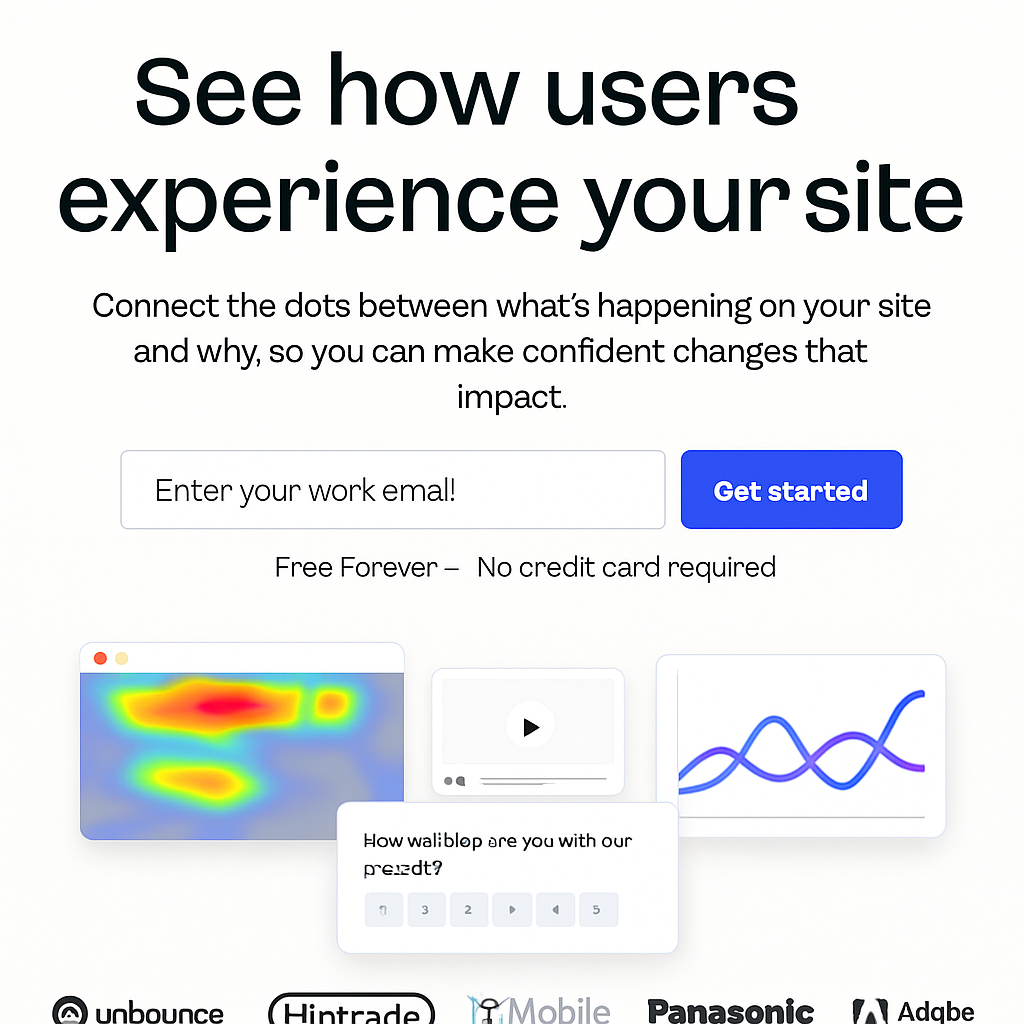
Hotjar is a powerful tool that provides insights into how users interact with your website. It combines analytics and feedback to help you understand user behavior, improve user experience, and increase conversion rates. By using Hotjar, you can visually see where users click, how far they scroll, and where they spend most of their time on your site.
The Evolution of Hotjar
Hotjar was born out of a need for a more integrated approach to understanding user behavior. Initially, businesses relied on separate tools for analytics and feedback, but Hotjar brought these elements together, creating a more cohesive and comprehensive solution. Over the years, it has evolved to include a wide range of features, adapting to the growing complexity of web design and user expectations.
How Hotjar Works
Hotjar operates by collecting user data through various tracking mechanisms embedded in your website. This data is then visualized in a user-friendly dashboard, allowing you to interpret complex information with ease. The tool uses heatmaps and session recordings to provide a visual representation of user interactions, making it simpler to identify pain points and areas for improvement.
The Importance of User Insights
Understanding how users interact with your website is crucial for optimization. Without these insights, businesses can miss key opportunities to enhance user experience and increase conversions. Hotjar provides the necessary data to make informed decisions, helping you to tailor your website to meet the needs of your audience effectively.
Key Features of Hotjar
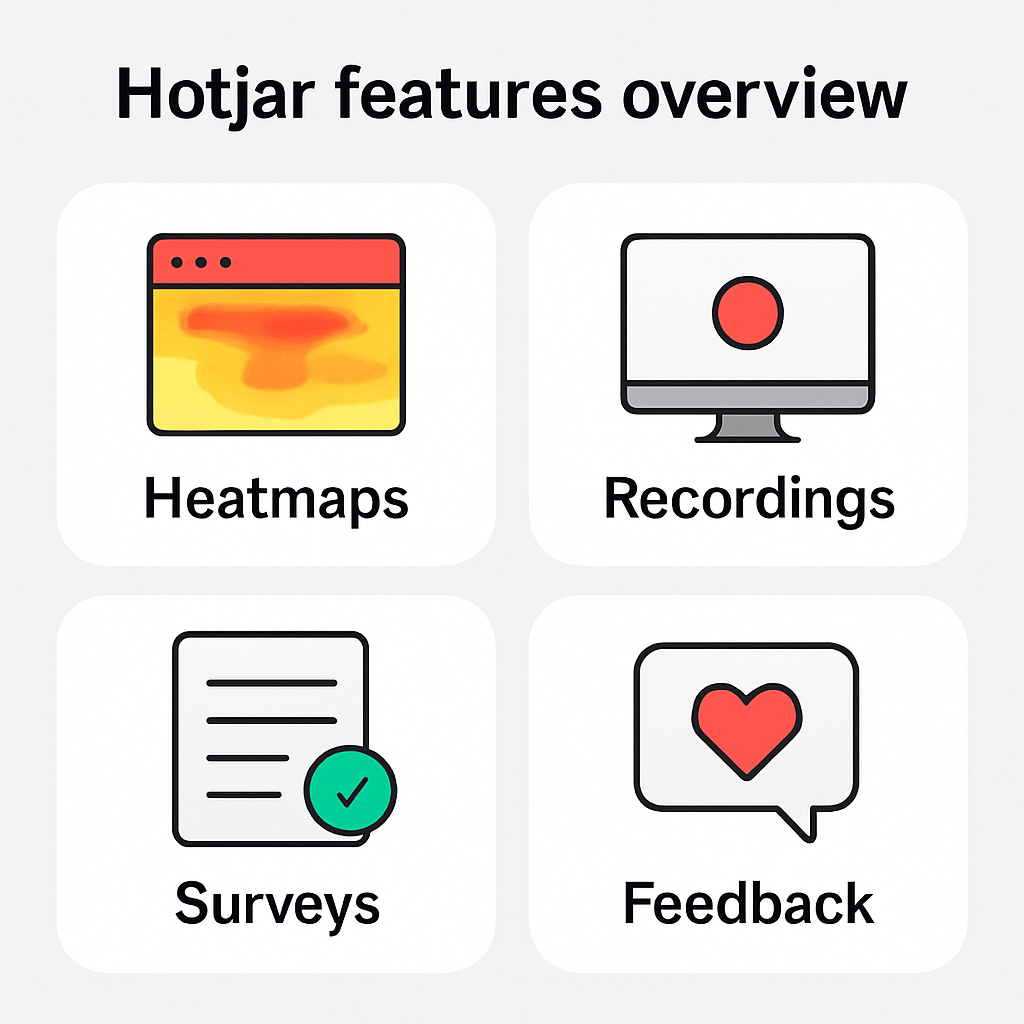
Hotjar offers several features that make it a must-have for anyone looking to optimize their website. Here are some of the key features:
Heatmaps
Heatmaps are one of Hotjar’s most popular features. They show you where users click, move, and scroll on your website. This visual representation helps you understand what attracts attention and what gets ignored.
Click Maps
Click maps provide detailed insights into the most clicked areas of your website. By analyzing click patterns, you can determine which elements are engaging users and which are being overlooked. This information is vital for optimizing the placement and design of interactive elements.
Move Maps
Move maps track the movement of users’ cursors across your web pages. By understanding how users navigate your site, you can identify areas of interest or confusion. This data helps in refining site layout and ensuring intuitive navigation paths.
Scroll Maps
Scroll maps reveal how far down users scroll on a page before leaving. This feature is essential for content optimization, helping you place crucial information and calls to action where they are most likely to be seen.
Recordings
Hotjar’s recordings allow you to watch actual user sessions on your website. By seeing exactly how visitors navigate your site, you can identify usability issues and make necessary adjustments.
Session Playback
Session playback offers a real-time view of user interactions. Observing how users move through your website provides direct insight into their journey, highlighting any obstacles they face. This feature is instrumental in diagnosing navigation issues and improving user flow.
Identifying User Frustration
Through recordings, you can spot signs of user frustration, such as repeated clicks or erratic movements. Recognizing these signals allows you to address pain points promptly, enhancing the overall user experience and reducing bounce rates.
Highlighting Successful Interactions
In addition to identifying issues, recordings can highlight successful interactions and effective site elements. By understanding what works well, you can replicate success across other areas of your website, fostering a more consistent and satisfying user experience.
Surveys and Feedback
Collect feedback directly from your users using Hotjar’s surveys and feedback tools. These features enable you to ask visitors what they think about your site and gather valuable insights into their experiences.
Customizable Surveys
Hotjar’s surveys are highly customizable, allowing you to tailor questions to gather specific insights. Whether you want feedback on site design, content, or usability, targeted surveys can provide the detailed information needed to make informed decisions.
Real-Time Feedback
The feedback feature enables users to express their thoughts in real-time, directly on the page. This immediacy captures user opinions at the moment they occur, providing authentic insights that are invaluable for ongoing site improvements.
Analyzing Feedback Data
Once collected, feedback data is presented in an easy-to-digest format, enabling quick analysis. By identifying trends and patterns, you can address common concerns and capitalize on positive feedback to enhance user satisfaction.
Conversion Funnels
Identify where users drop off in your conversion process with Hotjar’s conversion funnels. This feature helps you spot potential bottlenecks and optimize your website’s conversion path.
Funnel Visualization
Conversion funnels visualize the steps users take before completing a desired action, such as a purchase or sign-up. By examining each stage, you can pinpoint where users are dropping off and investigate the reasons behind it.
Improving Conversion Rates
Once bottlenecks are identified, you can implement targeted strategies to improve conversion rates. This might involve streamlining the checkout process, refining calls to action, or enhancing product pages to increase engagement.
A/B Testing Integration
Hotjar’s conversion funnels can be paired with A/B testing to evaluate the effectiveness of changes. By comparing different versions of pages or processes, you can determine which approach yields the highest conversions, ensuring data-driven decisions.
Form Analysis
Hotjar’s form analysis tools provide insights into how users interact with your website forms. You can see which fields cause users to abandon the form and make improvements to increase form submissions.
Field Interaction Insights
Form analysis breaks down user interaction with each form field, highlighting those that cause confusion or abandonment. By understanding which fields deter users, you can simplify forms and remove unnecessary barriers to submission.
Reducing Form Abandonment
To reduce form abandonment rates, Hotjar allows you to test different form designs and field arrangements. By experimenting with form length, field labels, and input types, you can find the most user-friendly configuration.
Enhancing User Experience
Improved form analysis directly contributes to a better user experience. Streamlined forms lead to higher completion rates, increased conversions, and ultimately, a more positive perception of your brand’s online presence.
Hotjar Pricing
Understanding Hotjar’s pricing is crucial for determining if it’s the right tool for your needs. Hotjar offers several pricing plans to cater to different types of users.
Free Plan
Hotjar provides a free plan that includes basic features like heatmaps, session recordings, and surveys. It’s an excellent option for small websites or those just starting with user behavior analysis.
Features of the Free Plan
The free plan offers essential tools to get started, including limited heatmaps and session recordings. While it provides a good introduction to user insights, the data volume is capped, which might restrict deeper analysis for larger websites.
Suitability for Beginners
For beginners, the free plan is an invaluable resource for exploring user behavior without financial commitment. It allows new users to familiarize themselves with Hotjar’s interface and capabilities before deciding on more advanced options.
Limitations of the Free Plan
Despite its benefits, the free plan’s limitations may pose challenges for growing businesses. As data needs expand, the constraints on session recordings and data storage could hinder comprehensive analysis, necessitating an upgrade to a paid plan.
Plus Plan
The Plus plan costs $39 per month and includes more advanced features such as unlimited heatmaps and increased session recordings. It’s ideal for small to medium-sized businesses looking to deepen their insights.
Advanced Features
The Plus plan offers enhanced features compared to the free plan, including unlimited heatmaps and more extensive session recordings. These additions provide a broader scope of data, facilitating a more thorough understanding of user interactions.
Value for Money
At $39 per month, the Plus plan offers significant value for small to medium-sized enterprises. It strikes a balance between affordability and functionality, delivering comprehensive insights without overwhelming financial investment.
Scalability for Growing Businesses
For businesses on the cusp of growth, the Plus plan provides the scalability needed to accommodate increasing data demands. As user traffic and interactions grow, the plan’s advanced features ensure continued access to valuable insights.
Business Plan
For larger businesses, the Business plan starts at $99 per month. It offers advanced targeting features, integrations, and priority support, making it suitable for companies needing comprehensive analysis tools.
Targeting and Integrations
The Business plan includes sophisticated targeting options and integrations with other tools, enhancing data collection and analysis capabilities. These features allow businesses to tailor their insights and integrate seamlessly with existing workflows.
Priority Support
Subscribers to the Business plan receive priority support, ensuring prompt assistance and troubleshooting. This level of service is crucial for large enterprises requiring immediate resolutions to maintain smooth operations.
Comprehensive Analysis Tools
The Business plan’s advanced tools cater to the complex needs of large enterprises. With features like detailed segmentation and in-depth reporting, businesses can conduct nuanced analyses to inform strategic decisions.
Scale Plan
The Scale plan is designed for enterprises requiring extensive features and support. Pricing is customized based on your needs, and it provides the most advanced tools and priority assistance.
Customizable Solutions
The Scale plan offers customizable solutions tailored to the unique needs of large enterprises. This flexibility ensures that businesses receive the precise features and support necessary to achieve their analytical goals.
Enterprise-Level Support
With the Scale plan, enterprises benefit from dedicated support teams and account management. This high level of service ensures that complex needs are met promptly, facilitating seamless integration and use of Hotjar’s tools.
Maximizing ROI
Investing in the Scale plan enables enterprises to maximize their return on investment by leveraging the most advanced features available. The comprehensive suite of tools empowers businesses to optimize user experience and drive significant growth.
Hotjar Alternatives
While Hotjar is an excellent tool, it’s always good to consider alternatives to ensure you’re getting the best solution for your needs.
Crazy Egg
Crazy Egg offers similar features to Hotjar, such as heatmaps, recordings, and A/B testing. It’s known for its user-friendly interface and affordable pricing, making it a great alternative for small businesses.
Feature Comparison
Crazy Egg’s feature set is comparable to Hotjar, with intuitive heatmaps and session recordings. A/B testing is a standout feature, allowing businesses to experiment with design variations to optimize user engagement and conversions.
Pricing and Accessibility
Crazy Egg’s pricing is competitive, offering packages that suit various business sizes. Its affordability and ease of use make it an accessible option for small businesses seeking to enhance their user insights without significant investment.
User Experience
Users often praise Crazy Egg for its straightforward interface and ease of navigation. This focus on user experience ensures that businesses can quickly access and interpret data, facilitating more efficient website optimization.
FullStory
FullStory provides a more in-depth analysis of user interactions, focusing on digital experience insights. It’s an ideal choice if you’re looking for detailed session playback and robust analytics.
Detailed Session Playback
FullStory excels in session playback, offering granular insights into user behavior. Its sophisticated tracking captures every interaction, providing a comprehensive view of the user journey and uncovering hidden pain points.
Robust Analytics Capabilities
The platform’s robust analytics tools allow for deep dives into user data, enabling businesses to extract actionable insights. FullStory’s advanced reporting and segmentation features support detailed analysis and strategic decision-making.
Ideal for Large Enterprises
FullStory’s extensive capabilities make it well-suited for large enterprises with complex data needs. Its ability to handle large volumes of data ensures that businesses can maintain high levels of insight even as traffic and interactions increase.
Mouseflow
Mouseflow offers heatmaps, recordings, and conversion funnels, much like Hotjar. Its standout feature is live sessions, allowing you to watch users in real-time, which can be valuable for immediate insights.
Real-Time Session Monitoring
Mouseflow’s live session feature sets it apart, enabling businesses to observe user interactions as they happen. This real-time monitoring provides immediate insights, allowing for rapid responses to user behavior and issues.
Comprehensive Feature Set
In addition to live sessions, Mouseflow’s comprehensive feature set includes detailed heatmaps and conversion funnels. These tools offer valuable insights into user engagement and conversion paths, supporting data-driven optimization efforts.
Affordability and Flexibility
Mouseflow is known for its affordable pricing and flexible plans, making it a viable option for businesses of all sizes. Its scalable features and pricing ensure that businesses can tailor the tool to meet their specific needs.
Lucky Orange
Lucky Orange provides a suite of tools similar to Hotjar, including heatmaps, recordings, and chat. It’s often praised for its affordability and comprehensive feature set.
Integrated Chat Feature
Lucky Orange includes a unique chat feature, allowing businesses to engage with users in real-time. This direct interaction can enhance customer service and provide immediate answers to user queries, improving overall satisfaction.
Affordable Pricing
Lucky Orange is recognized for its affordable pricing, offering a cost-effective solution for businesses seeking comprehensive user insights. Its value-for-money proposition makes it an attractive option for budget-conscious organizations.
Extensive Tool Suite
The platform’s extensive suite of tools, including heatmaps, recordings, and conversion tracking, provides a well-rounded view of user interactions. This breadth of features supports detailed analysis and effective website optimization.
Hotjar Review
Hotjar has received positive reviews from users who appreciate its ease of use and powerful insights. Many users find the heatmaps and session recordings particularly useful for understanding user behavior and improving website performance.
Pros of Hotjar
- User-Friendly Interface: Hotjar is easy to set up and navigate, making it accessible for users of all experience levels. Its intuitive design ensures that businesses can quickly harness its capabilities without a steep learning curve.
- Comprehensive Features: The combination of analytics and feedback tools provides a well-rounded view of user interactions. This integration allows for a holistic approach to website optimization, covering all aspects of user engagement.
- Cost-Effective: With a free plan and affordable pricing tiers, Hotjar is accessible for businesses of all sizes. Its competitive pricing model ensures that even small businesses can benefit from advanced user insights.
Cons of Hotjar
- Limited Free Plan: The free plan offers basic features, which may not be sufficient for larger websites or businesses. As needs grow, the limitations of the free plan may necessitate upgrading to access more comprehensive insights.
- Data Limitations: Some users have noted that the session recordings can be limited based on the selected plan. This restriction can impact the depth of analysis possible, particularly for businesses with high traffic volumes.
Conclusion
Hotjar is a versatile and powerful tool for understanding user behavior and improving website performance. With its comprehensive features, competitive pricing, and ease of use, it’s a valuable asset for businesses looking to enhance their online presence. Whether you’re a small business owner or part of a larger enterprise, Hotjar offers insights that can lead to significant improvements in user experience and conversion rates.
By considering Hotjar’s features, pricing, and alternatives, you can make an informed decision about whether it’s the right tool for your needs. Remember, understanding your users is the first step to creating a website that truly resonates with them. Embracing tools like Hotjar can empower your business to stay ahead in the digital landscape, ensuring that your website not only meets user expectations but exceeds them.